The baby finally latched, your left arm is pinned, and the phone is face down on the couch cushion just out of reach. You'll remember to log this feed later. You won't, and that's fine, but there's an easier way.
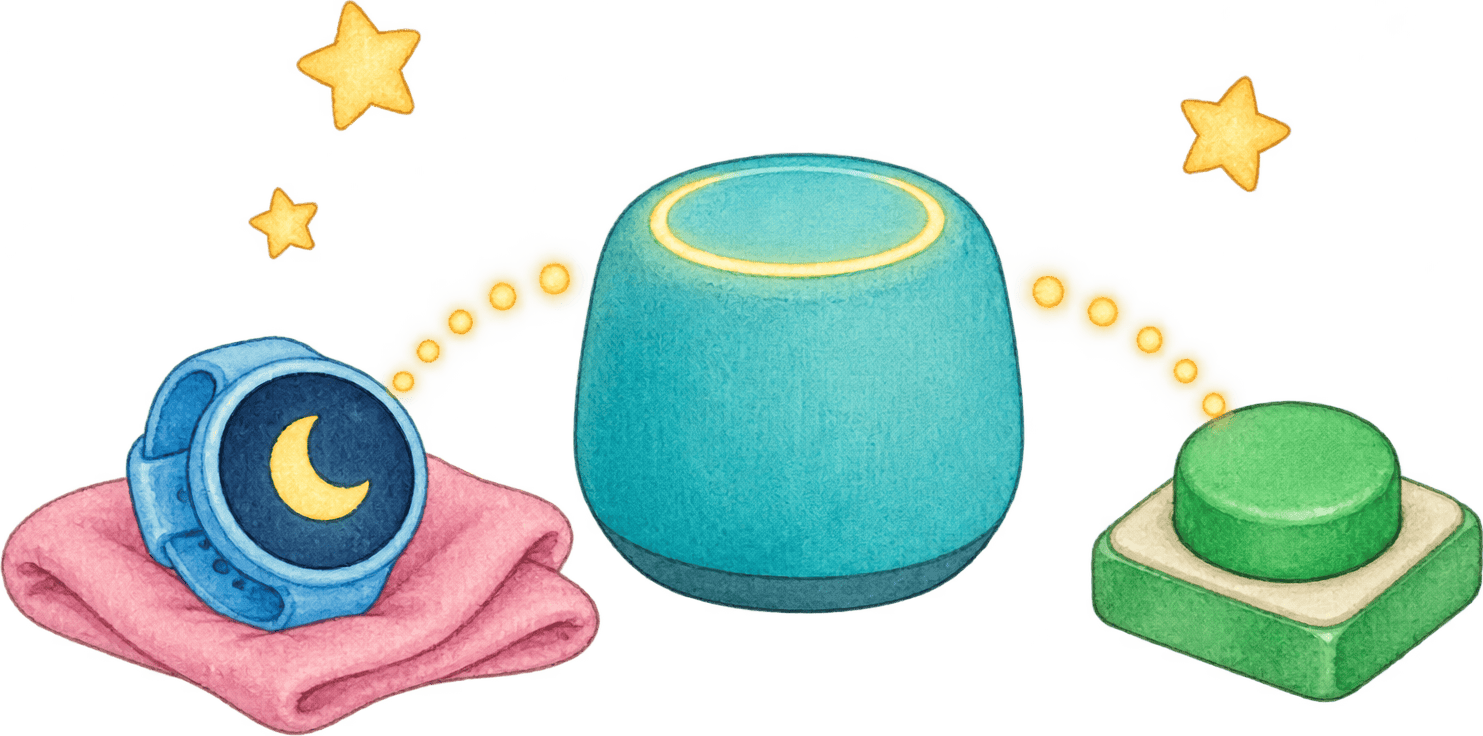
You don't need to open the nappi app to log something. Start a nap from your watch. Log a diaper from the lock screen. Ask Alexa when the last bottle was, or press a button stuck to the side of the changing table. Most of these are free, and the ones that need Premium are marked below.
Why log without opening the app?
A newborn eats 8 to 12 times in 24 hours, and breastfed newborns usually land at the top of that range.1 Add diapers and naps and you're logging dozens of times a day, often one-handed and often in the dark.
Each extra unlock and tap is another chance to give up and decide you'll remember instead (you won't, see above). Get a log down to one glance or one sentence and the record keeps going past week two. That record is what makes the feeding guide numbers mean something for your baby, and what lets SleepSense predict the next nap.
Can you track your baby from a smartwatch?
Yes. nappi has apps for both Apple Watch and Wear OS. From the watch you can start and stop sleep, nursing and pumping timers and log diapers and bottles, without touching the phone. Everything you log there shows up for the whole family right away.
Manual logging on the watch is free. Premium adds watch faces that show the last feed or the next nap at a glance, and logging by voice from the watch. We compared the watch apps of the main baby trackers in baby tracker apps for Apple Watch and Wear OS.
Still wearing a Pebble? A parent in the nappi community built a Pebble app on top of the nappi API, and it's open source. The code lives on GitHub.
Timers and quick logs on your lock screen
A running timer sits on your lock screen while it counts. On iPhone it's a Live Activity, which also shows in the Dynamic Island. On Android it's a live notification. You can check how long the nap has gone on without unlocking anything.
Home screen widgets do the rest:
- Quick Log puts one-tap buttons for your most common entries (diaper, bottle, sleep and more) on the home screen, each with how long ago it last happened.
- Next Nap shows the next predicted nap or bedtime, or how long the current sleep has been going.
- On iPhone, Lock Screen widgets show the same countdown and open Quick Log in one tap.
On iOS 18, Premium also adds sleep and nursing controls you can put in Control Center, on the Lock Screen's bottom buttons or on the Action button.
Can you log baby feeds with your voice?
Yes, with Siri on iPhone or with Alexa. Both work while your hands are full, which with a baby is most of the time.
With Siri, say the phrase with the app name: "Start a nap in nappi", "Log a bottle in nappi" or "When was the last bottle in nappi". The same actions show up in the Shortcuts app if you want to build your own.
With Alexa, enable the "my nappi" skill and link your account. You can then:
- start and stop sleep and nursing timers
- log a diaper, or a bottle (it remembers the amount from your last bottle)
- ask when the last diaper or feed was, how long the baby has been awake, how many diapers today, or when the next nap is
- play white noise, rain or shushing, and when you stop the sound, Alexa offers to log the sleep
With more than one baby, say the baby's name in the request. Without a name, Alexa uses the baby you picked when you linked the skill.
Does nappi work with Home Assistant and Google Home?
Yes. The nappi integration for Home Assistant installs from HACS and needs no YAML. For each baby you get buttons for diapers and bottles, switches for the sleep, nursing and pumping timers, and sensors for the last of each. The step-by-step Home Assistant guide walks through it.
This is where tracking gets physical. A wireless button by the crib can log a wet diaper. A Stream Deck clipped to a nursing cart can start a feed, flash orange while a timer is running, and show how long ago the last diaper was. An automation can dim the nursery lights the moment the sleep timer starts.
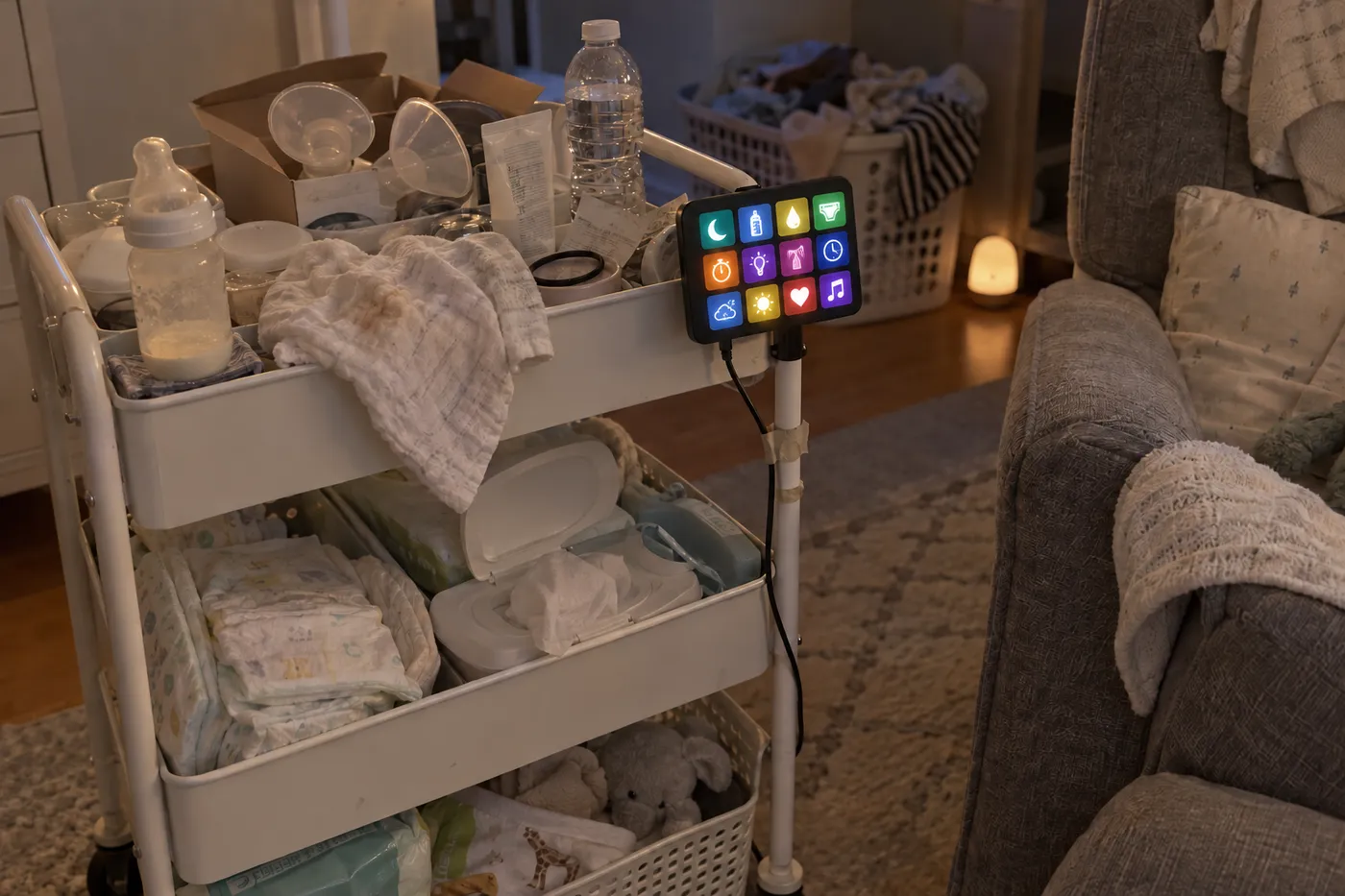
Google Home reaches nappi through Home Assistant, so once that's set up, "Hey Google, turn on the nap timer" works too. The smart home page has the options, and the Google Home guide covers the setup step by step.
Home Assistant and the API are part of nappi Premium.
Can you connect nappi to your own scripts?
Yes. nappi has an open REST API. Create a connection key at nappi.app/app/connections, and anything that can send an HTTP request can log entries, start and stop timers and read the latest data for your family. People use it for iPhone Shortcuts, a Raspberry Pi, a desk display or a quick curl from the terminal.
Keys expire after 30 days, 90 days or a year, and you can disconnect one at any time. Baby tracker API: log sleep and feeds from your own code has working examples.
Where to start
Start with what's already in your pocket or on your wrist:
- Add the Quick Log widget. It takes a minute and covers most of the day.
- Pair the watch if you have one. The 3 a.m. feed is where it pays off.
- Turn on Siri or Alexa if you already talk to them around the house.
- If you like building things, try Home Assistant or the API. One button by the changing table is a good first project.
Everything you log from any of these lands in the same timeline, so your partner, a grandparent or the nanny sees it the same way they'd see an entry from the app.
Frequently asked questions
Do I need Premium for hands-free tracking?
No. Widgets, Live Activities, Siri, Alexa and manual logging on the watch are free. Premium adds the watch faces, voice logging from the watch, the iOS 18 controls, and the Home Assistant integration and API. Next-nap predictions come from SleepSense, which you can try for free and which is part of Premium after that, wherever they show up. One subscription covers everyone in your family.
Does it work if my partner uses a different phone?
Yes. Entries sync across iPhone and Android, Apple Watch and Wear OS, so one parent can start a nap from an Apple Watch and the other can stop it from an Android phone.
Can I log for twins with Alexa?
Yes. Say the baby's name when you log. You can also ask about both at once, for example how many diapers each baby has had today.
Will a lock screen timer keep running if I close the app?
Yes. The timer runs on nappi's servers, not in the app, so it keeps counting when the app is closed or the phone restarts. Stop it from anywhere, including the watch or Alexa, and the entry is saved.
References
1. American Academy of Pediatrics. "How Often and How Much Should Your Baby Eat?" HealthyChildren.org. Link